How to protect ProtonMail with YubiKey: A step-by-step guide
Proton Mail encrypts your messages end-to-end. However, if someone obtains your password, they can still access your account and read everything. Encryption protects the content — the security key protects the access.
With a YubiKey, even if someone has your password, they cannot log in without the physical device in their hand. This tutorial explains how to set it up step-by-step.
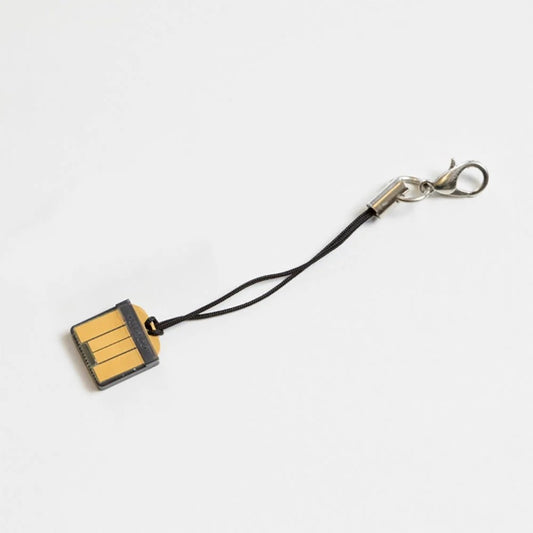
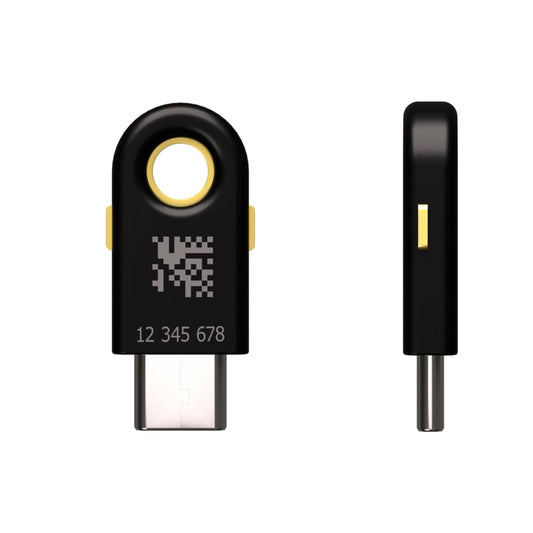
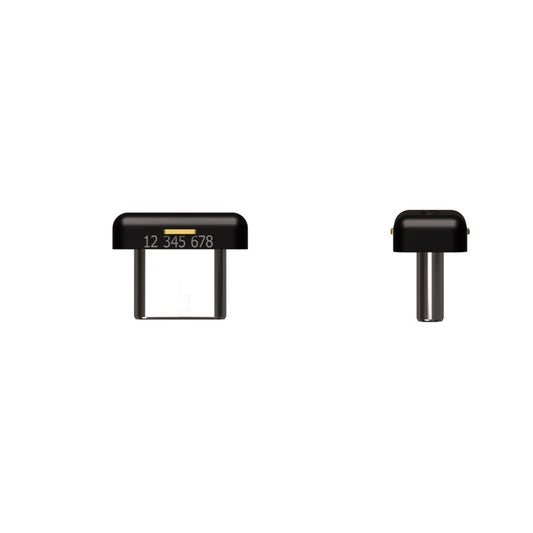
Security Key NFC · Security Key C NFC · YubiKey 5 NFC · YubiKey 5C NFC. All models follow the same setup process.
What do you need before you start?
- An active Proton Mail account
- A compatible security key (see models above)
- A desktop browser — Chrome, Firefox, or Edge
Don't have a Proton Mail account yet? Create it for free here →
The initial setup is done via a desktop browser. Once configured, you can also use the key on your mobile via NFC.
How to add your YubiKey to Proton Mail step-by-step
Go to account.proton.me → Settings → Security → Two-factor authentication.
In the 2FA section, you will see the option to add a hardware security key. Click on "Add security key".
Insert the key into the USB port when the browser prompts you. Touch the gold button on the key to confirm the registration.
Proton Mail will ask for a name to identify it — for example, "Primary YubiKey". This is useful if you have more than one registered.
Proton Mail will show you recovery codes. Keep them in a safe place — you will need them if you lose your key.
Before finishing, add a second security key as a backup following the same process. If you lose your primary key and have no backup or recovery codes, you will lose access to your account.
How it works after activation
Every time you log in to Proton Mail, the process will be:
- Enter your username and password
- Proton Mail asks for the security key
- Connect the YubiKey and touch it — or tap it via NFC on mobile
- Access granted
Without the physical key in your hand, there is no access — even if someone knows your password.
On mobile: Simply hold the YubiKey NFC against the back of your phone when Proton Mail requests verification. No cables or adapters required.
You are 30 seconds away from protecting your Proton Mail with a physical key — QUICK TUTORIAL
Which security key do I need?
To protect Proton Mail, any of the four compatible models will work. If you are just starting out, the Security Keys are the most economical option and do exactly what you need for this use case.
Before continuing, we recommend checking out this post — Read →

Security Key NFC
USB-A + NFC. The entry-level option to protect Proton Mail, Gmail, and more. Compatible with mobile via NFC without an adapter.

Security Key C NFC
USB-C + NFC. For MacBooks, modern laptops, and USB-C mobiles. Same features in a USB-C format.
→ Proton Mail alternatives: the best secure emails in 2026
Proton Mail encrypts your messages. The YubiKey encrypts your access.
Proton Mail's encryption protects the content of your emails from third parties. However, if someone gets your password, they can read everything. The security key closes that gap — without the physical object, there is no entry possible.
The setup takes less than 2 minutes. Once active, your Proton Mail account is practically impossible to hack remotely.
Frequently Asked Questions
Does the YubiKey work with the Proton Mail app on mobile?
Yes. Models with NFC work by holding the key against the back of the phone when Proton Mail requests verification. Compatible with iOS and Android. No cable or adapter needed.
What happens if I lose my YubiKey?
If you have a second key registered as a backup, you can log in with it and remove the lost one. If you have no backup, you can use the recovery codes that Proton Mail showed you when setting up 2FA. This is why it is important to save them before finishing the configuration.
Can I use the same YubiKey for other services besides Proton Mail?
Yes. A single YubiKey can protect thousands of services simultaneously — Gmail, GitHub, Bitwarden, Coinbase, and many more. There is no limit to the services registered on a single key.
What is the difference between the Security Key and the YubiKey 5?
To protect Proton Mail, both work the same. The YubiKey 5 adds compatibility with more authentication protocols, useful if you also need to use it for SSH, advanced password managers, or enterprise systems. More information here.