Which YubiKey Should I Buy? Complete Guide by Device and Port (2026)
All YubiKeys do the same thing — protect your accounts with physical authentication. The difference lies in the connector and the features. Choose the wrong one, and you’ll have a key that won't fit your computer or mobile phone.
In less than two minutes, we’ll explain which model you need based on your devices.
Security Key NFC and Security Key C NFC — the most affordable option
If you only need to protect accounts that support FIDO2 — such as Google, Microsoft, GitHub, and Dropbox — the Security Keys are sufficient. Same NFC, same connector, lower price. They do not include OTP or PIV, so they are not suitable for all specialised services.

Security Key NFC
For computers with a classic USB-A port. Compatible with mobile phones via NFC without cables.

Security Key C NFC
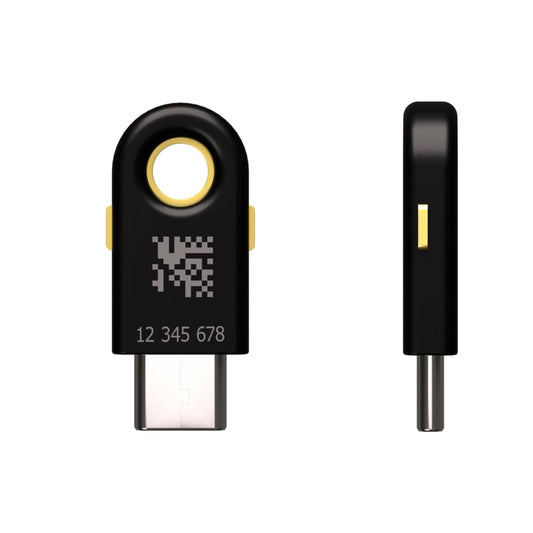
For MacBooks, modern laptops, and Android phones with USB-C. Same features in a USB-C format.
YubiKey 5 NFC and YubiKey 5C NFC — the most versatile
The 5 NFC series is the most versatile on the market. They work via USB and NFC — just tap them against your phone to authenticate wirelessly. They include all protocols: FIDO2, OTP, PIV, and OpenPGP. The only difference between them is the connector.

YubiKey 5 NFC
For Windows, Mac with an adapter, and Linux. Compatible with mobile via NFC. All protocols included.

YubiKey 5C NFC
For MacBooks, iPad Pro, and iPhone. Compatible via NFC and USB-C. All protocols included.
YubiKey Bio — fingerprint authentication
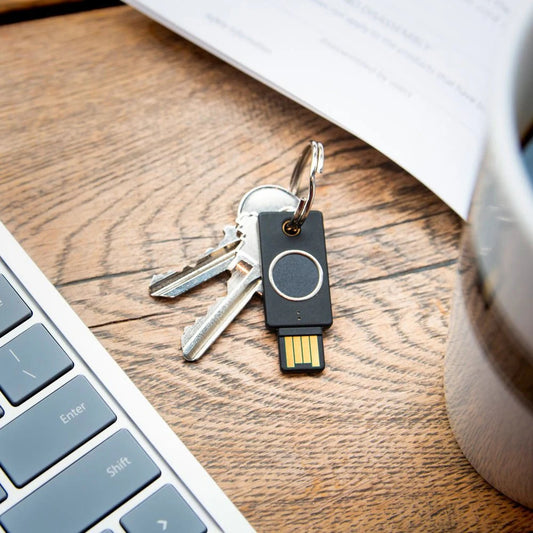
The YubiKey Bio adds a biometric sensor. Instead of entering a PIN, you use your fingerprint. Ideal if you use the YubiKey on shared computers or simply prefer the convenience of biometrics. No NFC — USB only.

YubiKey Bio
Fingerprint authentication. No PIN, no password — just your finger. Available in USB-A and USB-C.
For Advanced Users and Businesses
If you need the YubiKey to be always connected to the computer without protruding, or you are looking for the most complete model for professional environments, these are for you.
YubiKey 5 Nano and 5C Nano — always connected, invisible
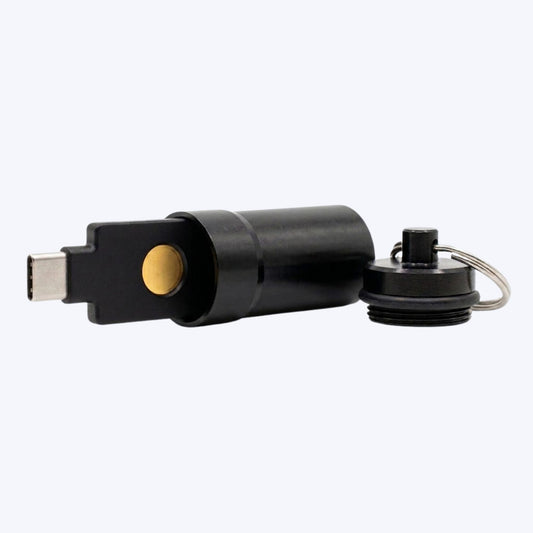
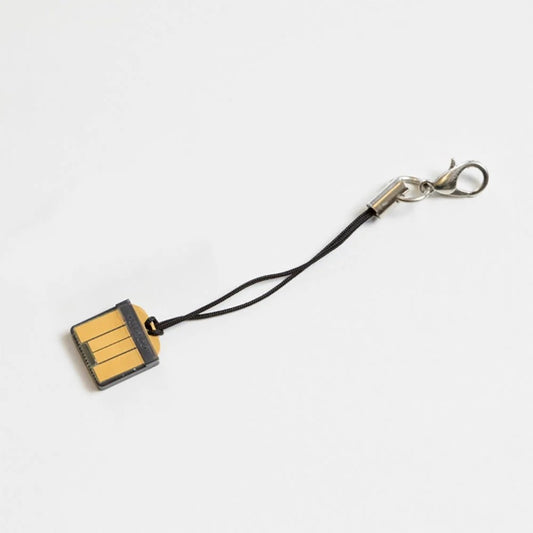
The Nano models are designed to stay permanently in the USB port. They are so small they barely stick out — perfect for desktops or laptops where the YubiKey acts as an ever-present second factor. No NFC.

YubiKey 5 Nano
Ultra-compact USB-A format. Stays in the port without getting in the way. All protocols included.

YubiKey 5C Nano
Same Nano format in USB-C. For MacBooks and modern laptops without a USB-A port.
YubiKey 5C — full USB-C without NFC
All the series 5 protocols in a standard USB-C format. No NFC — if you don’t need to authenticate with your mobile and want the most comprehensive model for a computer, this is your best option.

YubiKey 5C
All protocols in USB-C. No NFC — for exclusive computer use.
- You have USB-A → YubiKey 5 NFC
- You have USB-C → YubiKey 5C NFC
- You want fingerprint login → YubiKey Bio
- You want the lowest price → Security Key NFC
- If in doubt → YubiKey 5 NFC, the most versatile
Discover how to protect your accounts with YubiKey — What is a security key? →
Frequently Asked Questions
What is the difference between the YubiKey 5 NFC and the Security Key NFC?
The 5 series includes more protocols: OTP, PIV, and OpenPGP in addition to FIDO2. The Security Key only supports FIDO2 and FIDO U2F. If you use services like LastPass, KeePass, or corporate systems, you need the 5 series. For Google, Microsoft, and GitHub, the Security Key is sufficient.
Does the YubiKey work with iPhone?
Yes. NFC models work by tapping the key against the iPhone — no cables needed. For iPhone 15 or later with USB-C, you can also connect the YubiKey 5C NFC directly.
Do I need two YubiKeys?
It is highly recommended to have a second one as a backup. If you lose your primary key, you’ll need the second one to regain access to your accounts. Register both on all your services from the start.
Does the YubiKey Bio work with mobile phones?
It does not have NFC, so it won’t work by proximity. It can only be used when connected via USB-A or USB-C, depending on the model.
What if I buy the YubiKey 5 NFC but my computer only has USB-C?
You can authenticate directly via NFC from your phone, or use a standard USB-A to USB-C adapter.
As an Amazon Associate, I earn from qualifying purchases.