Passkey vs YubiKey: Is the future of passwords already here?
Passkeys have been on everyone’s lips for months. Google, Apple, and Microsoft present them as the end of passwords — and they sound great. But if you already have a YubiKey, you may be wondering: does it still make sense?
Short answer: yes. And here is why they are not the same thing, even if they sometimes do similar things.
Passkey vs YubiKey: quick comparison
| Feature | Passkey | YubiKey |
|---|---|---|
| Where it is stored | On your device or in the cloud | On the physical key — only there |
| What happens if you lose the device | ⚠️ Depends on the manufacturer’s cloud | ✅ The key is still yours |
| Phishing resistance | ✅ High | ✅ Maximum — physical hardware |
| Works without battery / connection | ❌ You need the device powered on | ✅ Always available |
| Compatible with critical accounts | ⚠️ Depends on the service | ✅ Gmail, GitHub, Binance, banks... |
| Requires trusting Apple/Google | ❌ Yes | ✅ No — full control |
| Price | ✅ Free | From €29 |
| Security level | High | ✅ The highest on the market |
What exactly is a passkey?
A passkey is a digital credential that replaces the password. Instead of typing something, your device — your phone or computer — proves that it is you using your fingerprint, Face ID, or PIN. No password to remember, no password to steal.
It sounds perfect. And for most everyday services, it is. The problem is that the passkey lives inside your device or synced to Apple’s or Google’s cloud. If someone compromises your iCloud account or your device, your passkeys go with it.
And what about a YubiKey?
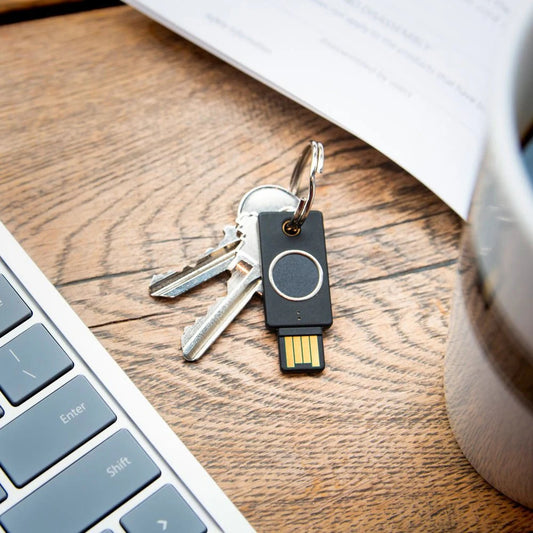
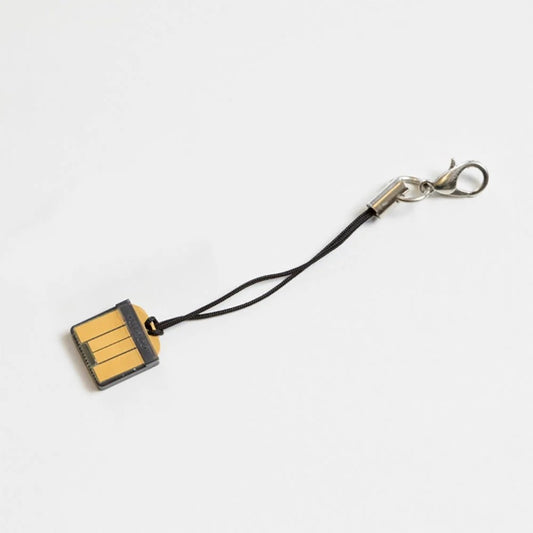
A YubiKey is a physical device — a USB or NFC security key — that stores credentials in isolation. It is not on your phone, not in the cloud, and does not depend on any manufacturer. It is in your pocket.
To authenticate, you plug it in or tap it against your phone. Without the physical key, there is no access. Period.
Why they are not the same thing — and do not replace each other
If you use Apple passkeys and switch to Android, the process is not straightforward. With YubiKey, the device does not matter — it works with any of them.
Passkeys synced in iCloud or Google Password Manager are protected — but they are still a target. A YubiKey cannot be hacked remotely.
Cryptocurrency, bank accounts, corporate email, GitHub — if unauthorized access has real consequences, YubiKey is the only option that gives you full control.
You can use passkeys for everyday access and YubiKey for the accounts that matter most. It is not one or the other.
The real question is: what level of security does each account need? For 90% of everyday use, passkeys are enough. For the 10% that really matters — crypto, banking, work — YubiKey makes the difference.
Which YubiKey do you need?
If you have made it this far, you probably already know you want one. The choice depends on your device:
 USB-A + NFC
YubiKey Security Key NFC
For computers with USB-A and phones with NFC. The most common option for laptops and desktops.
USB-C + NFC
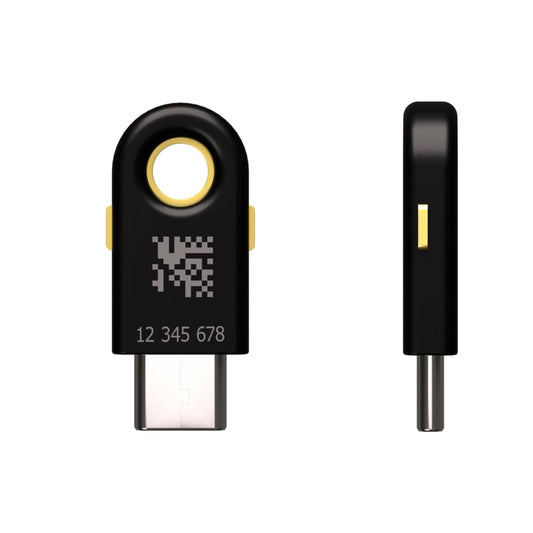
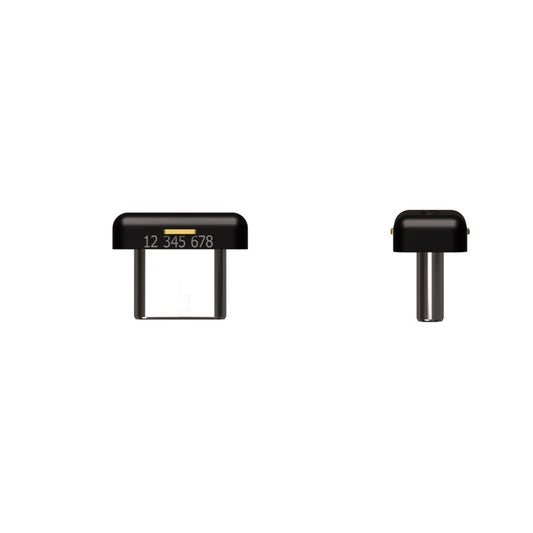
YubiKey 5C NFC
For modern computers and phones with USB-C. Compatible with iPhone using an adapter or directly through NFC.
Protect your YubiKey from day one
A YubiKey goes on your keyring — and keyrings take knocks, friction, and moisture. A proper case protects the connector and the key without blocking NFC.

PLA+ Case for YubiKey 5 & 5C NFC
Made in the EU. Does not block NFC — authenticate directly with the case on. Adjustable Chicago screw closure. Available in black, blue, and red.
Frequently asked questions
Can I use passkeys and YubiKey at the same time?
Yes, and that is the most recommended approach. Use passkeys for everyday services and keep YubiKey for your most important accounts. They are complementary, not mutually exclusive.
Are passkeys going to replace YubiKey?
Not in the short term. Passkeys depend on the device and on third-party ecosystems. For critical accounts — crypto, banking, work — YubiKey offers a level of control that passkeys cannot match today.
What happens if I lose my YubiKey?
The most important thing is to have a second backup YubiKey registered on your critical accounts. That way, if you lose one, you can still log in with the other and revoke the lost key.
Does YubiKey work with iPhone?
Yes. The YubiKey 5 NFC and 5C NFC work with iPhone through NFC — just tap it. To connect by cable, you need the Lightning or USB-C model depending on your iPhone.
Which accounts make the most sense for YubiKey?
Cryptocurrency accounts, online banking, your main email, GitHub, password managers such as Bitwarden or KeePass, and any corporate account with access to sensitive data.